Palm Primary Care
+143%
Organic Views
- 3× new followers
- 98% less paid support
Case study · Content operations · Workflow design · Team training
Keeping 15–20 client accounts on schedule, on brand and on the right side of the rules.
In 10 seconds
When I joined, each client's month lived on a Basecamp card: copy in a Google Doc, handed to a designer, reviewed, sent to the client, with files across Basecamp, Docs and Drive. What we knew about each client lived in old comment threads. It wasn't going to scale.
| Before | Now | |
|---|---|---|
| Where the work lives | A new Basecamp card for every client, every month, with files across Docs and Drive | A permanent Master Social project per client, plus one Master Google Business Profile project for every location. Strategy, assets, posts and dates in one place. |
| Client knowledge | Buried in old comment threads | A written reference sheet for each of 11 social clients: voice, pillars, seasonal hooks, visual rules and hard rules, like roofing clients that can never use insurance-claim language |
| Planning | Ideas written from scratch each month, with past angles easy to repeat | Each month starts from the reference sheet. AI drafts, I choose, edit and fact-check, and a campaign library keeps angles fresh |
| Production | Copy and design split between people and passed back and forth | AI-drafted copy edited by me; designed and scheduled by me, approved by the Art Director |
| Client approvals | One process for everyone | Fitted to each client: some review in Notion, Basecamp or two-week Jira sprints; many trust us to run it |
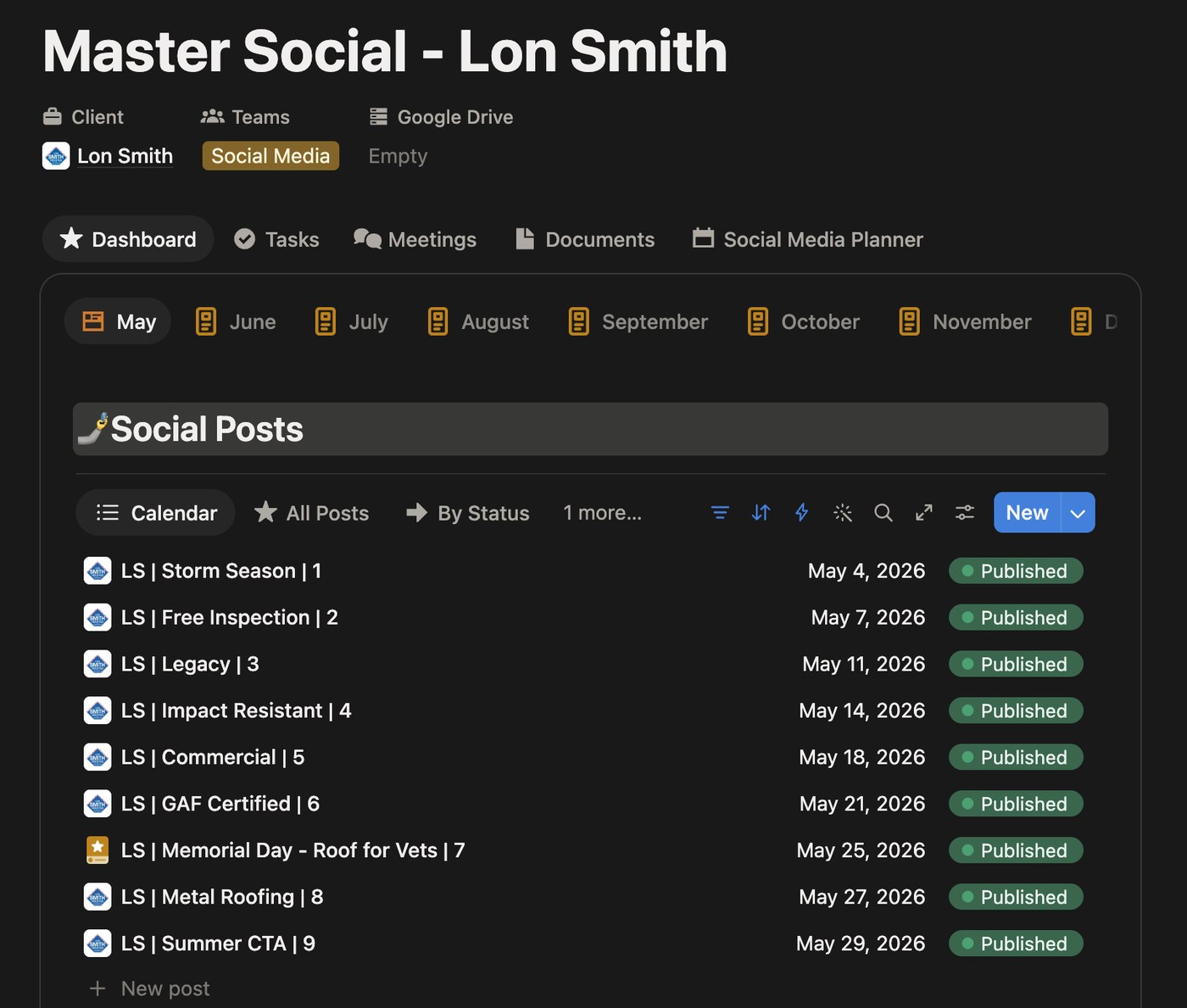
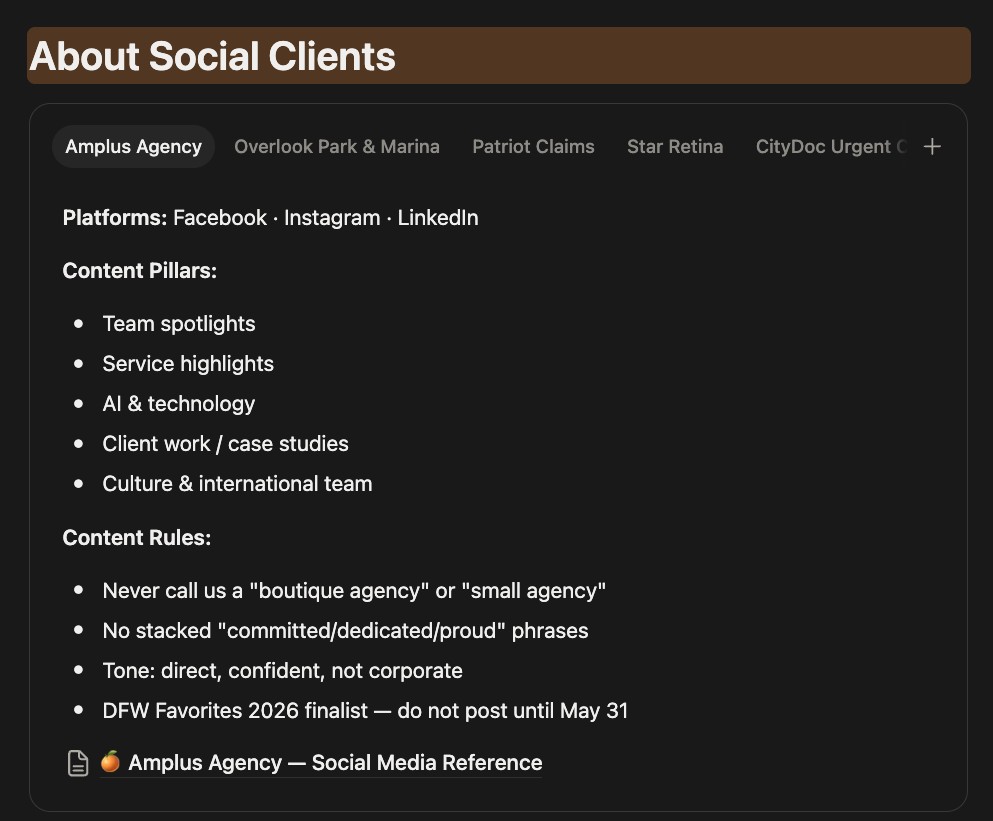
Every social and Google Business Profile post lives in the agency's Social Media Planner, a Notion database built by the Amplus team. Since May I've planned and scheduled 800+ posts through it. New requests get triaged the same day, and if a date is going to move, the client or my lead hears it from me before it passes, not after.
The workflow originally fed a monthly idea review with the CEO and Art Director. After running it, we agreed the meeting wasn't worth everyone's time, so I dropped it. Approval now happens at the post level instead.
Over two months, I onboarded two interns and rotated them across three client accounts, using the reference sheets as their playbook. I was the first review on everything they made before it went to the Art Director.
I opened tickets with Sprout Social for features we needed, including bulk scheduling and a call-to-action button for Google Business Profile posts.
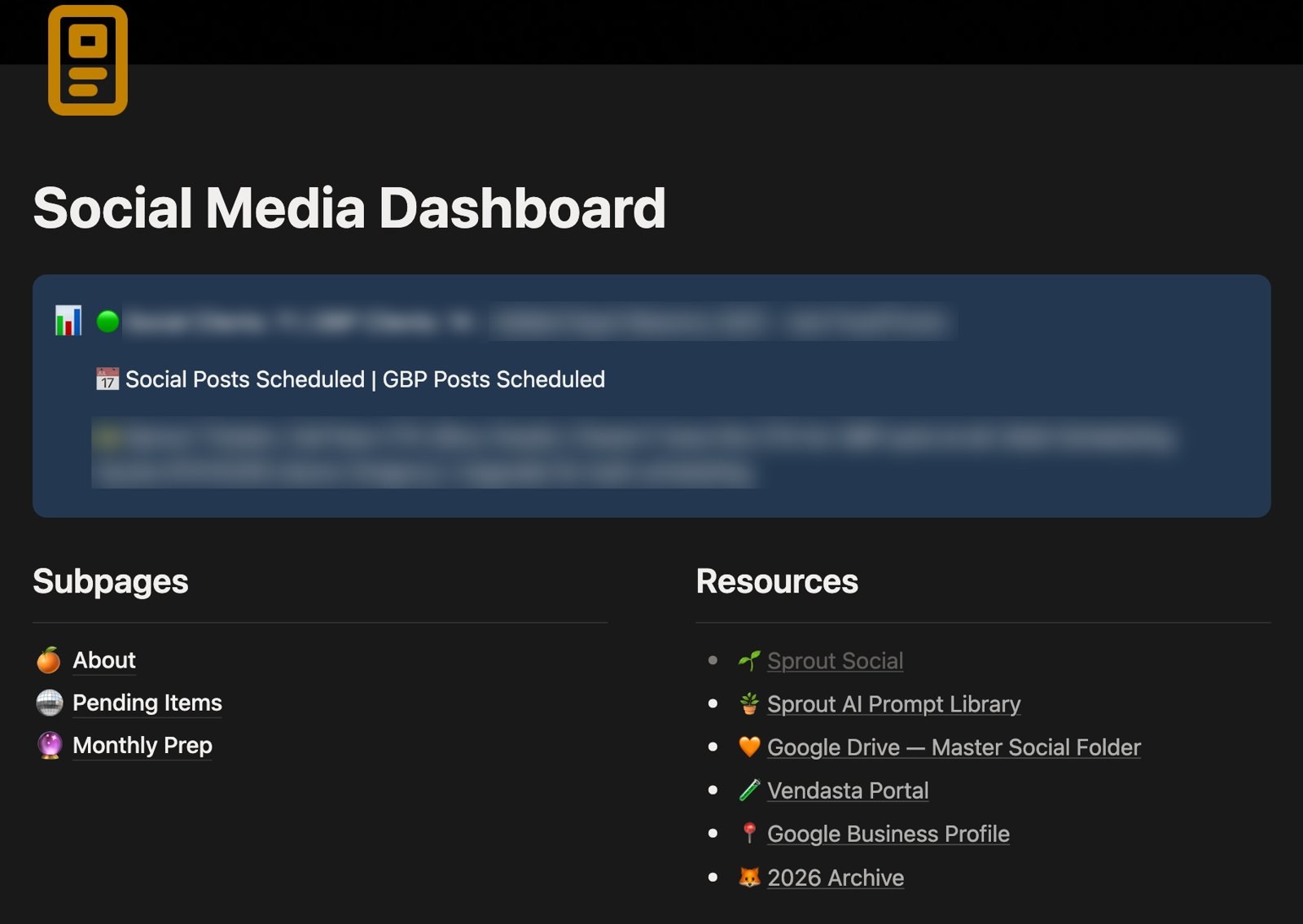
AI does the first draft. I do the thinking, the editing and the final call.
All organic, measured against the same months the year before I took each account over.
Palm Primary Care
+143%
Organic Views
Patriot Claims · LinkedIn
28,000
Organic Impressions
Ophthalmology Associates
+1→+74
Net New Followers
Lon Smith Roofing
+94%
New Followers
Notion · Claude (custom skills) · Figma · Canva · Sprout Social · Basecamp · Jira